
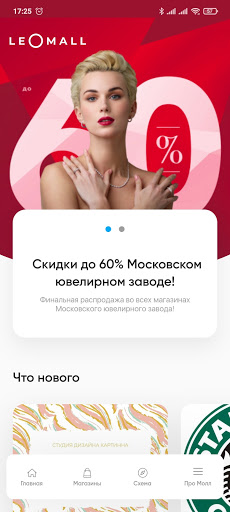
Features LeoMall
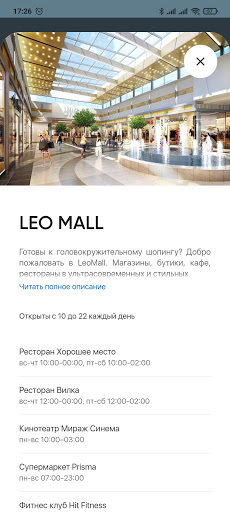
Under one roof of the space there are: PRISMA supermarket, LEtoile store, Mirage Cinema cinema, Detsky Mir department store, Eldorado store, Lug gallery of Russian designers, Mango store, Good place and Fork family restaurant, Gloria Jeans clothing store, and more 130 stores of clothing and footwear, goods for children, electronics, accessories, cosmetics, all the necessary services for comfortable shopping for the whole family.
🍽️
Food & Dining
Discover recipes and order food from your favorite restaurants.
🛍️
Shopping Features
Shop online and find the best deals.
👶
Parenting Tools
Track and manage your child's development and daily activities.
Screenshots
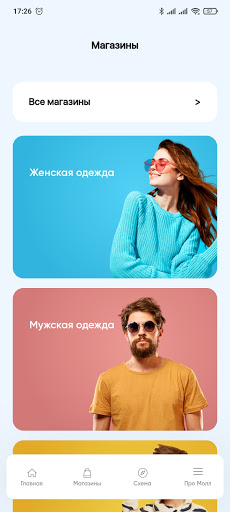
See the LeoMall in Action
Get the App Today
Download on Google Play
Available for Android 8.0 and above